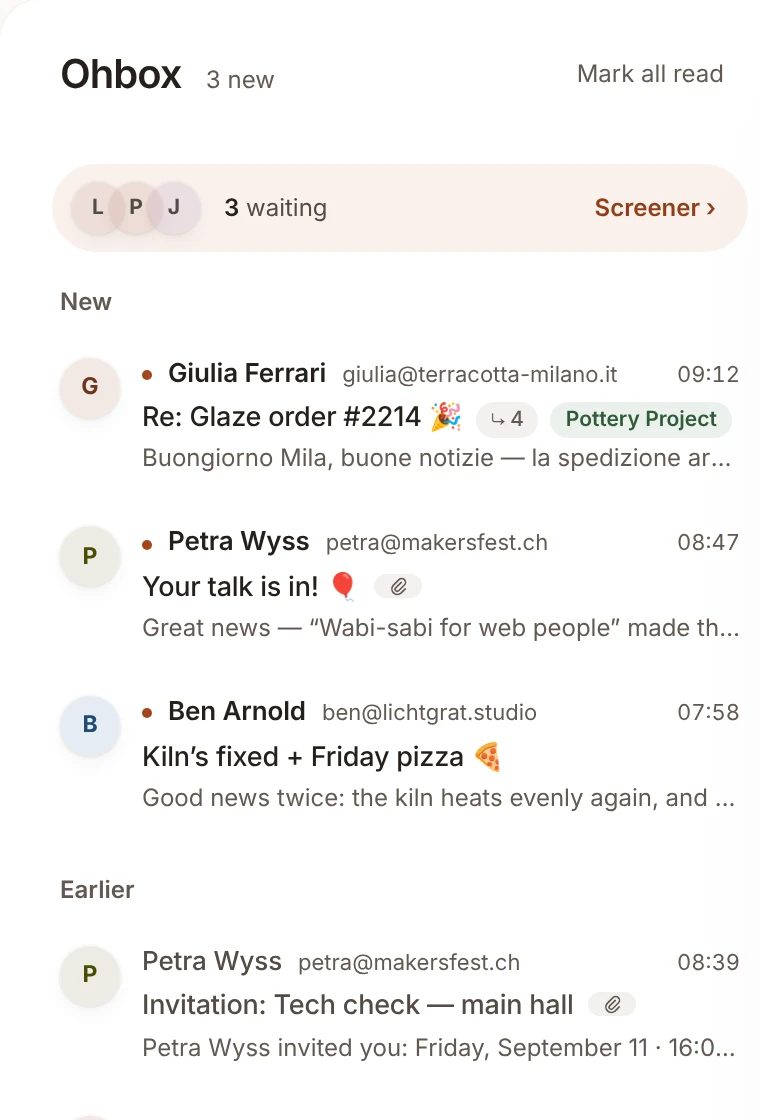
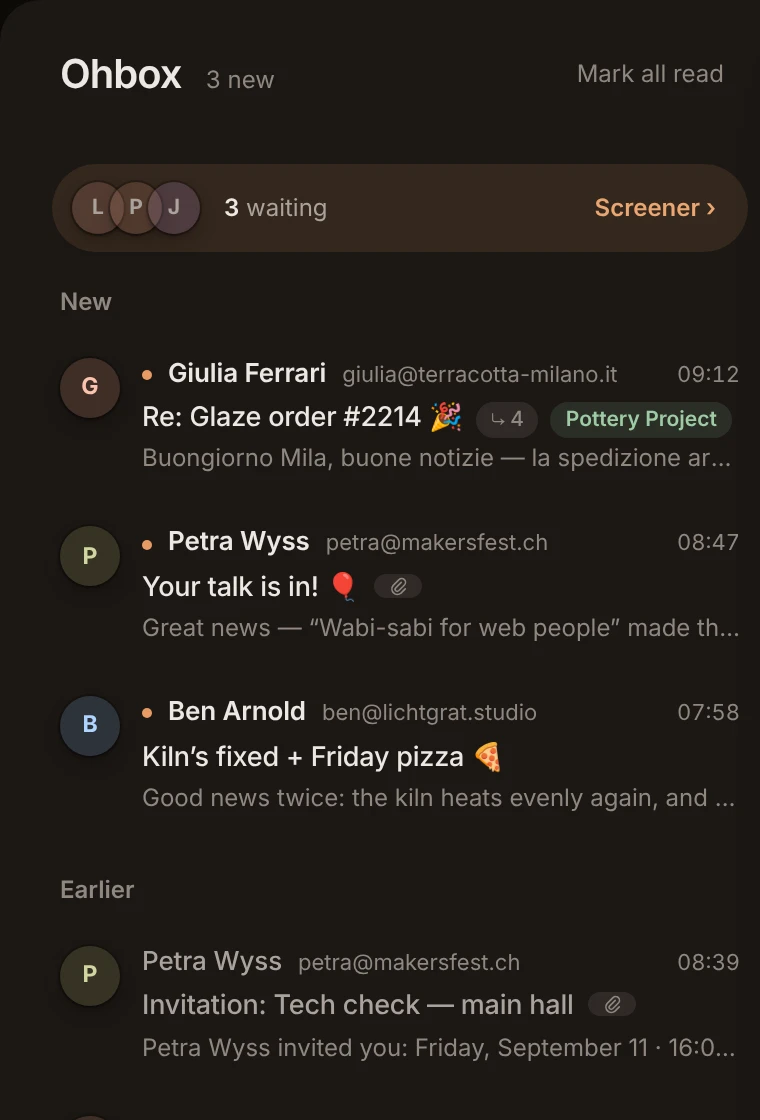
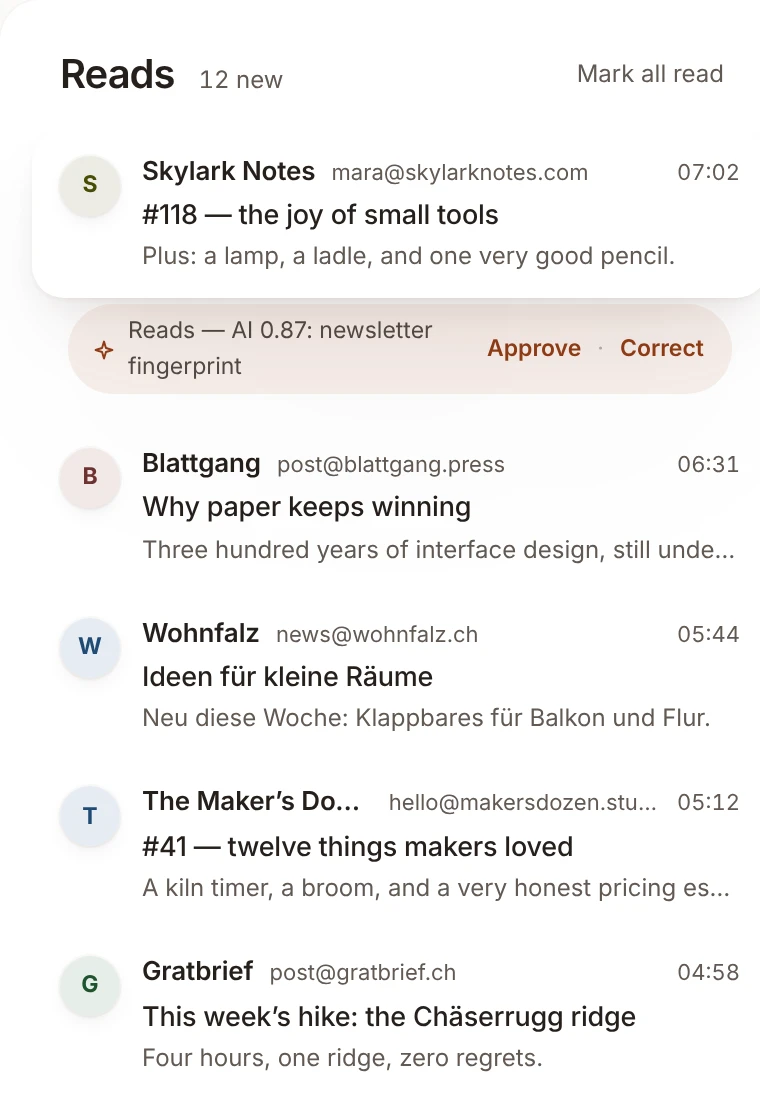
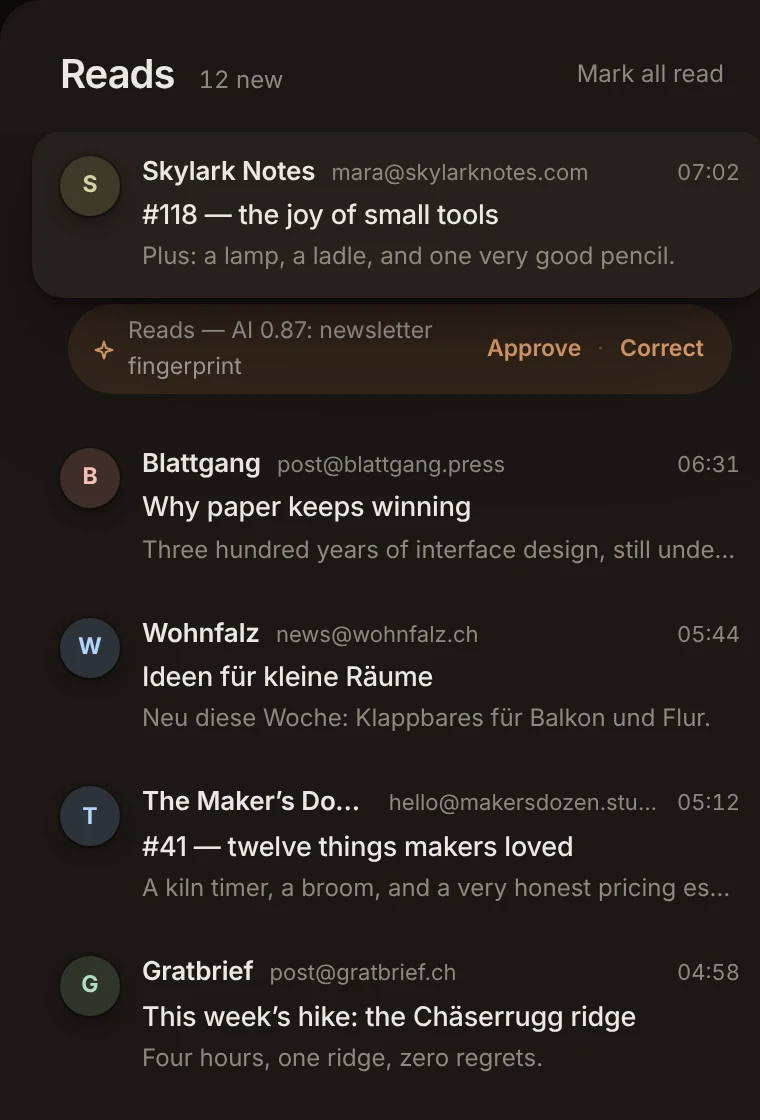
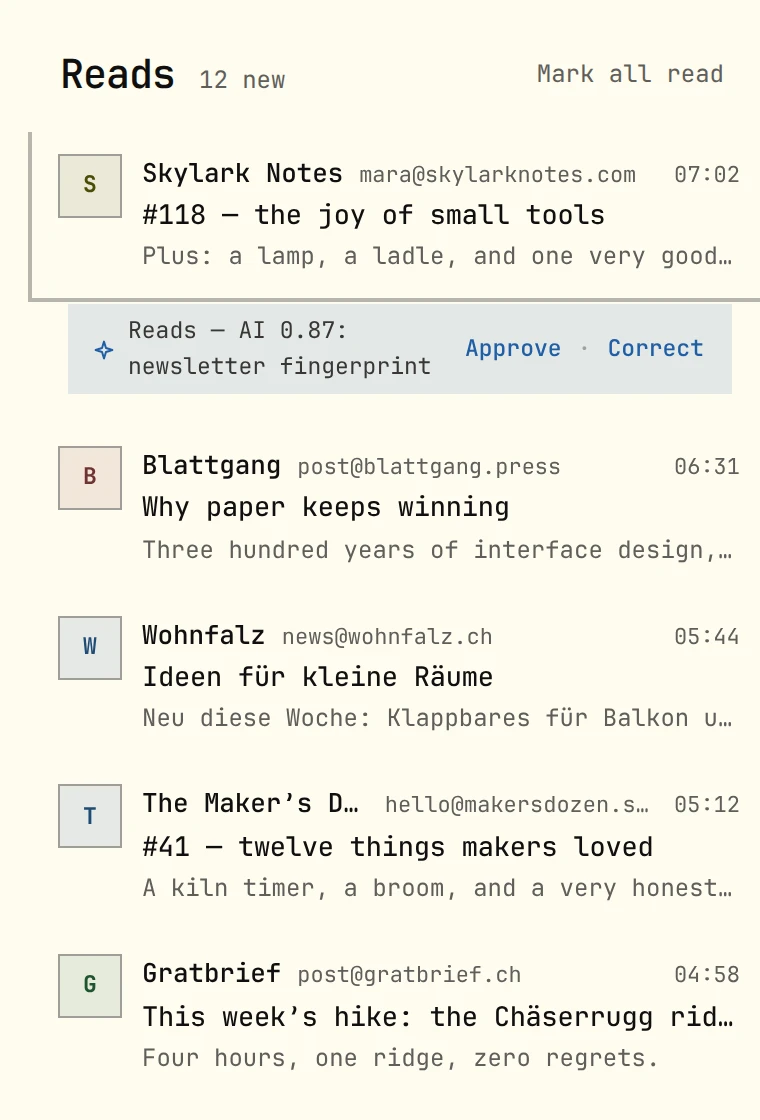
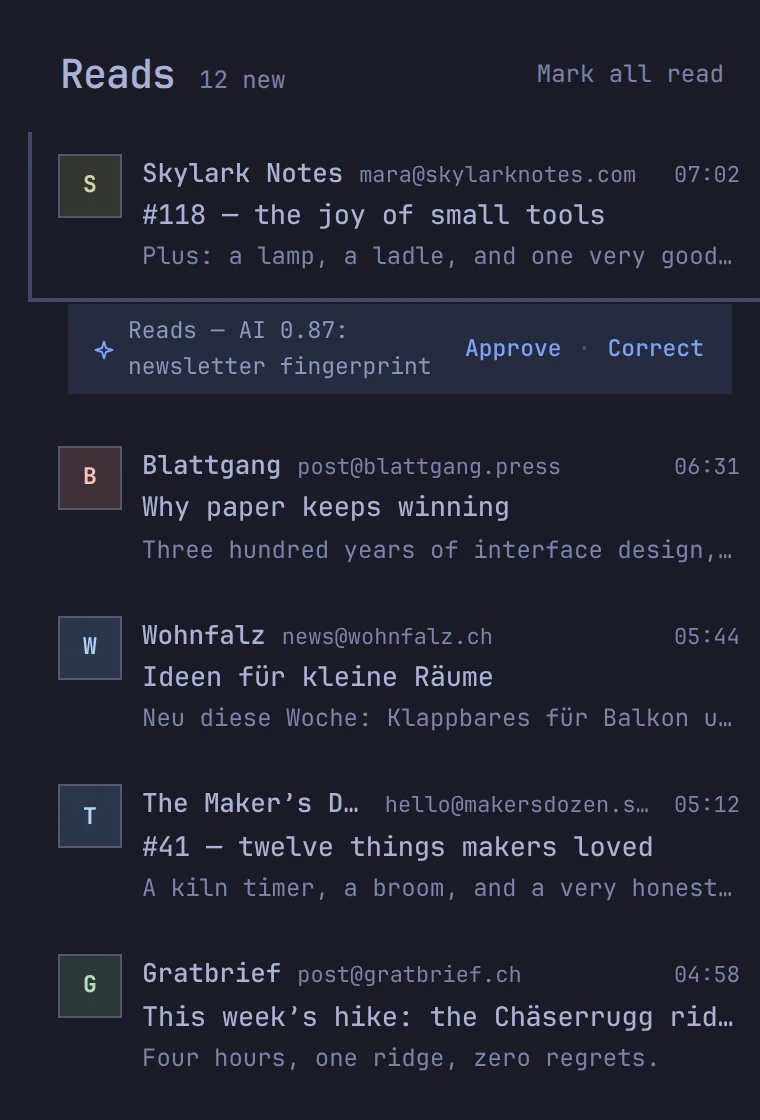
ohmail answers the door for you: first-time senders wait at the Screener until you let them in, so your Ohbox holds only mail you said yes to — organized in place, real folders on the mailboxes you already own. Leave anytime; your mailbox stays organized.
Free on macOS, Windows and Linux — a local-first mail client on the mailboxes you already own · Cloud from $9/mo, 14 days free · any IMAP mailbox
This is not a screenshot.
The real ohmail, already running on this page — nothing to install, nothing to sign up for. Three senders are waiting at the Screener; go let one in.
app.ohmail.appFully clickable
ohmailOhboxNewsReceiptsScreener3
LPJ3 new senders waiting
Only mail you said yes toStrangers wait outside. When it's quiet in here, it's actually empty.
The Screener answers the doorThree senders wait. One press decides: Ohbox, News, Receipts — or never, which also unsubscribes you where the list offers one click. Spam lands in your mail server's own Junk, and neither asks again.
Unread is always on topNew mail waits in one group at the top of the Ohbox until you read it — an empty New group means you're done.
Read conversations land under EarlierA conversation with nothing new sits under Earlier, in the order it arrived; the one you have open stays where it is until you move on or answer it. Nothing to archive, nothing to tidy.
Inside the demo⌘K everything, by namejk move↵ readgs screen a sender
Three piles, not one inbox.
The Ohbox is for people — mail you said yes to. Everything else lands where it belongs, already sorted.
Ohbox
People you've let in. When it's quiet, it's actually empty.
News
Newsletters and long reads, for when you have a minute. A waterline remembers where you stopped.
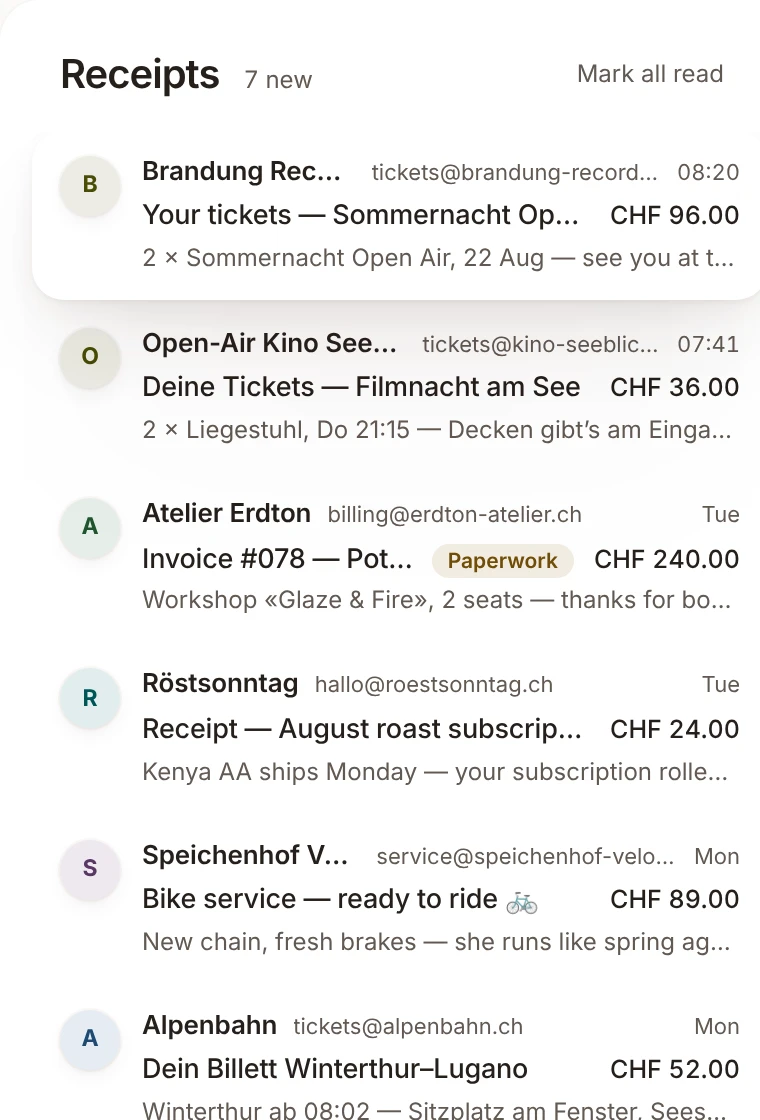
Receipts
Orders, confirmations, paperwork — kept, filed, out of the way.
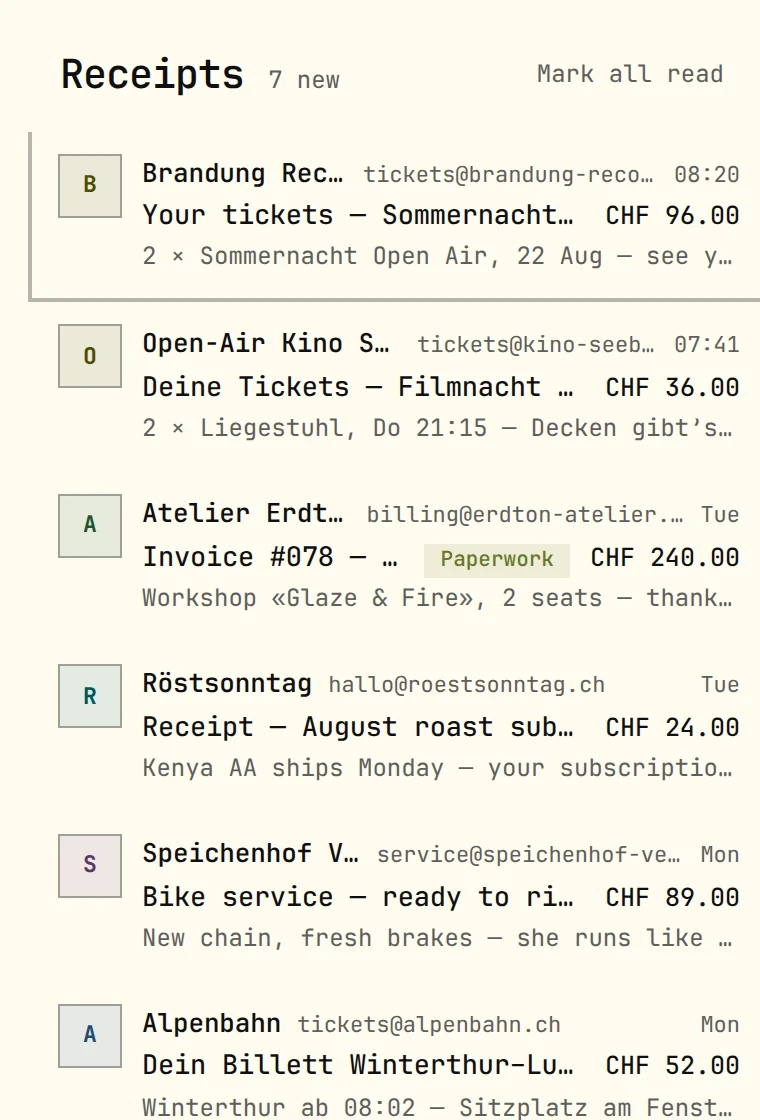
Captured from the demo mailbox — the same one you can click above.
You decide who gets in.
The first time a stranger writes to you, they wait at the Screener — not in your inbox. One click picks the door, once, for every mail that sender ever writes: Ohbox for people, News for newsletters, Receipts for the paperwork. Or never again — which also unsubscribes you, where the list offers one click. Spam is one press too: the message moves to your mail server's own Junk folder, and that sender never asks again. Want help deciding? Switch on suggestions and ohmail proposes a door for each new sender as their mail arrives, at a price you see up front; plain newsletters and receipts it can file by itself, and a pattern you have confirmed often enough runs without asking — spam included. It deletes nothing on its own.
First-time senders held until you say so
One click picks the door — for good
Spam is one press — into your mail server's Junk, and the sender never asks again
Suggestions are optional, priced up front, and yours to accept
LNFirst mail fromLaura Nyffeler
OhboxNewsReceiptsNever
AI proposes. You decide.
Rules run first and do the bulk of the work with no AI at all — the design goal is that most of your mail is filed deterministically, by rules you can read and change. Where judgment actually helps, ohmail offers something: a door for a new sender, a draft in your voice, a nudge for a thread that went quiet. Every one of them waits for your yes, and nothing ever sends itself.
Rules · most mailAI · proposals
This is the same mail, twice. Flip the switch — nothing breaks, nothing goes missing. That is the point: ohmail is a complete mail client with the AI switched off, and a faster one with it on.
The AI features run against a live model in production: the Screener proposes a door for a waiting sender, with a confidence and a reason, and the composer writes a first draft when you ask it for one. Both are proposals — they wait for your yes, nothing files or sends itself, and a pattern only begins running on its own once you have confirmed it often enough to graduate into a rule. The metering and spend limits that govern managed AI are in place and enforced: when the budget runs out the rules carry on, and nothing else changes.
Try it both ways.
AI assiston
Lena Kaufmannfirst mail · atelier-eichspan.ch
Ohbox92% sureSuggested from how you handled her studio before. Press ↵ to accept.
OhboxNewsReceiptsNeverWaiting for you — pick a door.
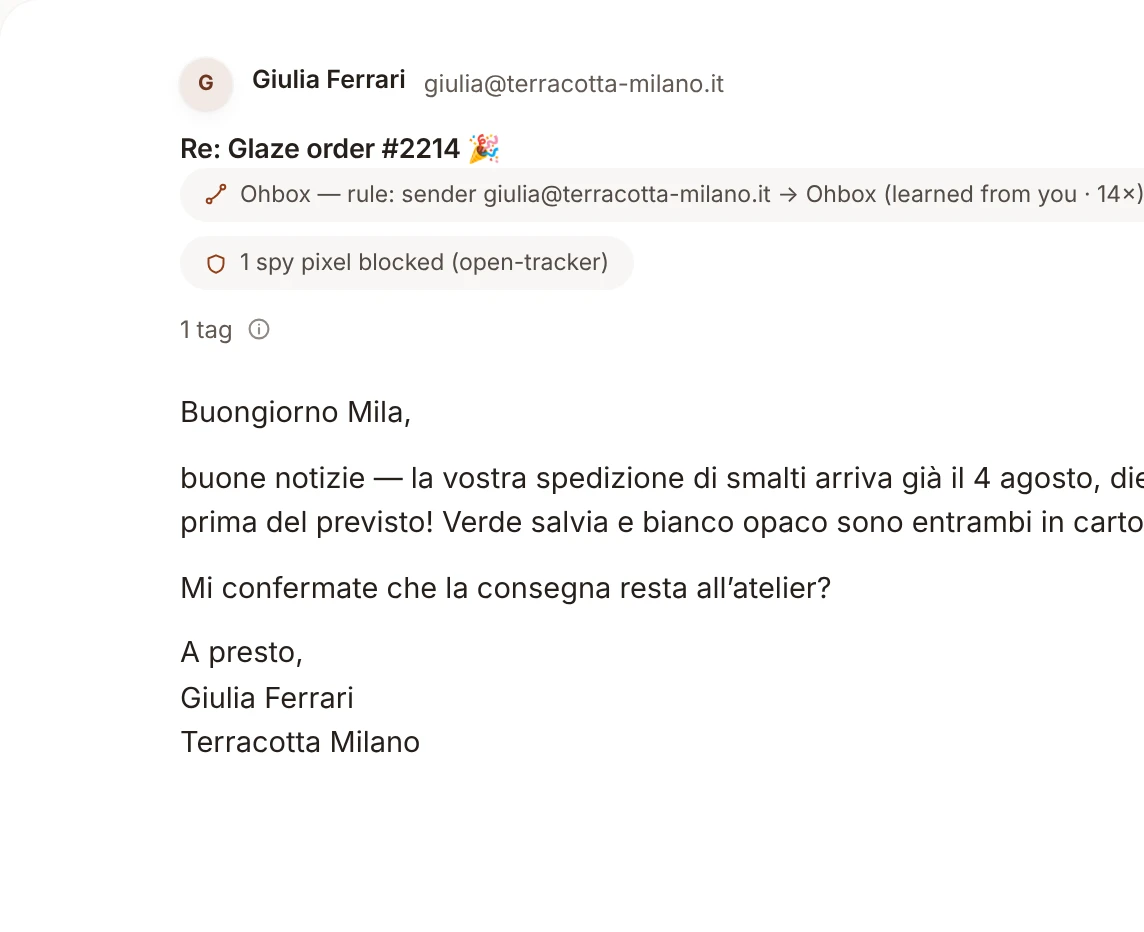
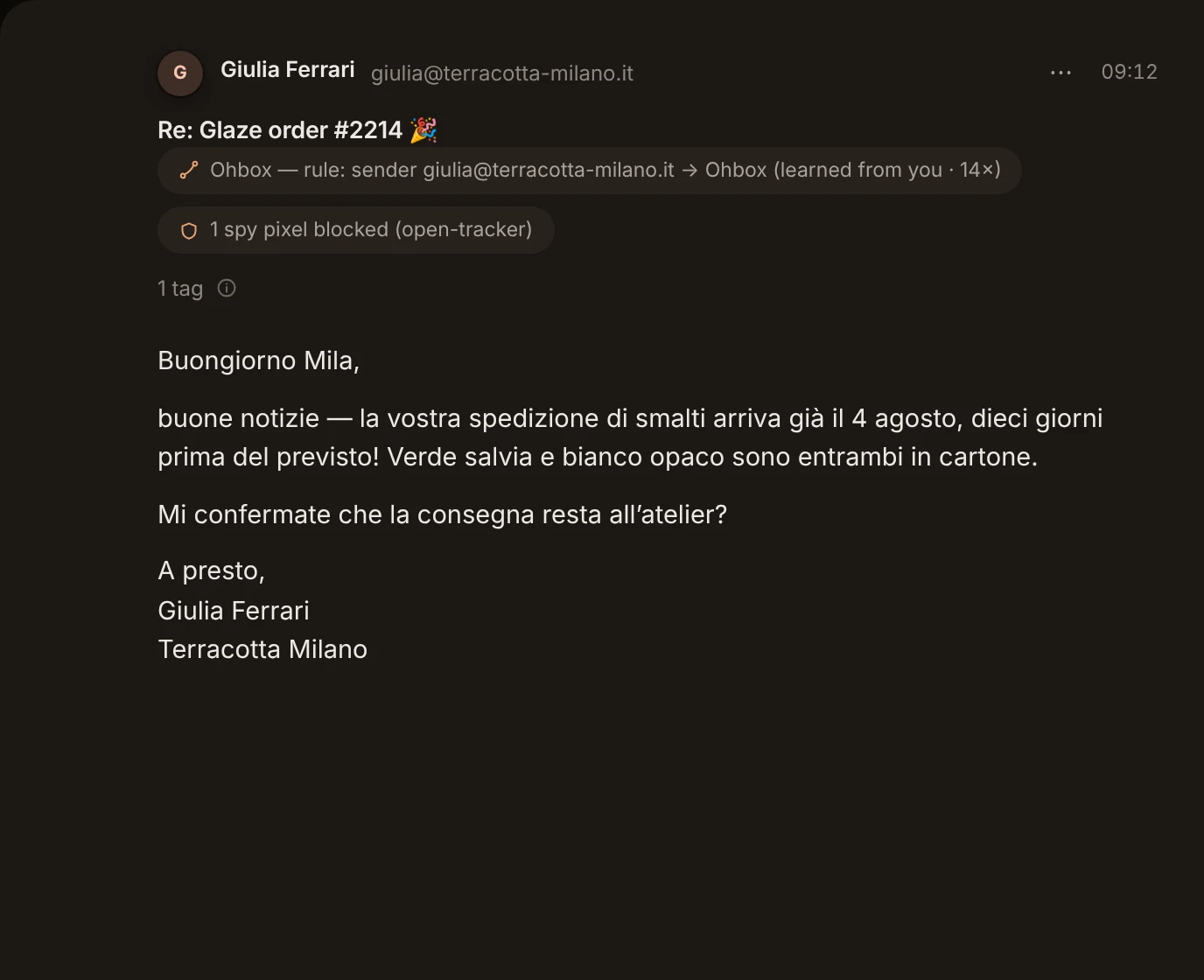
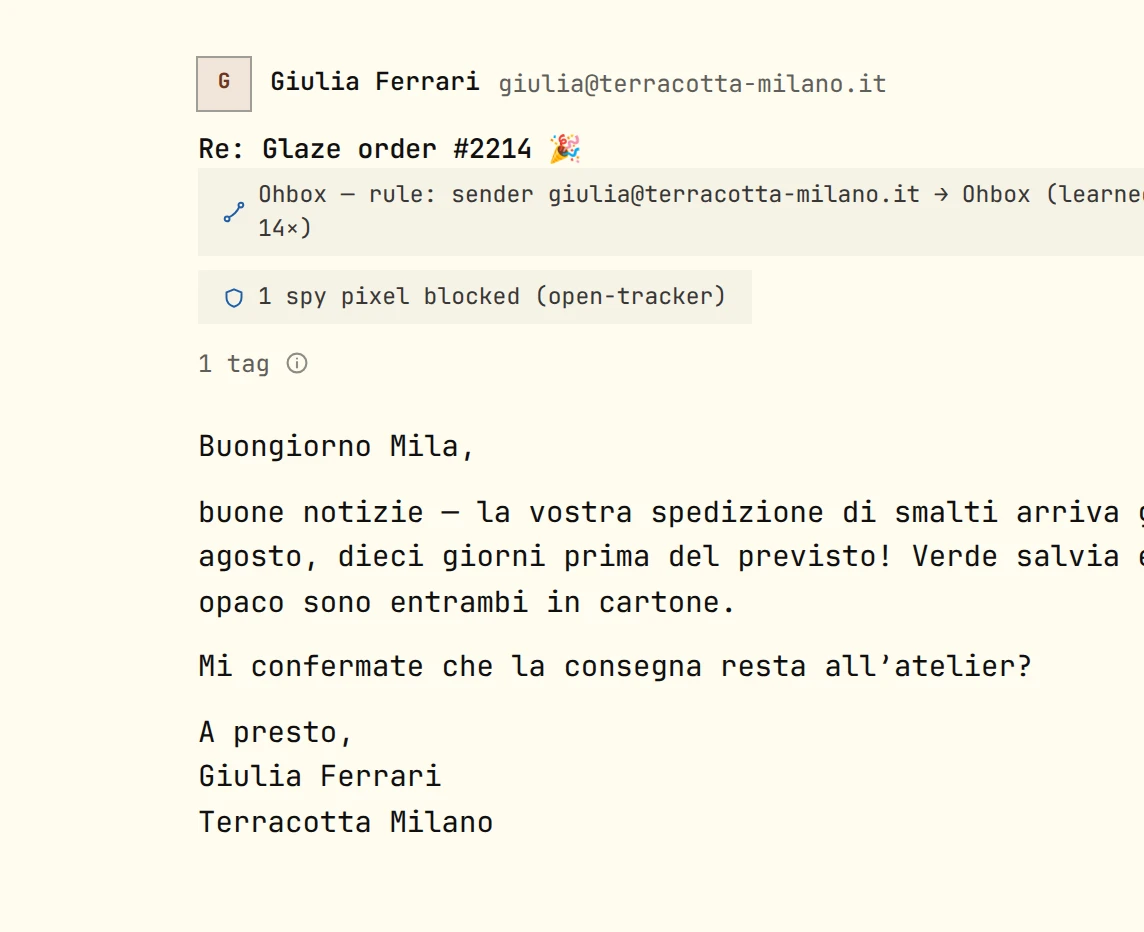
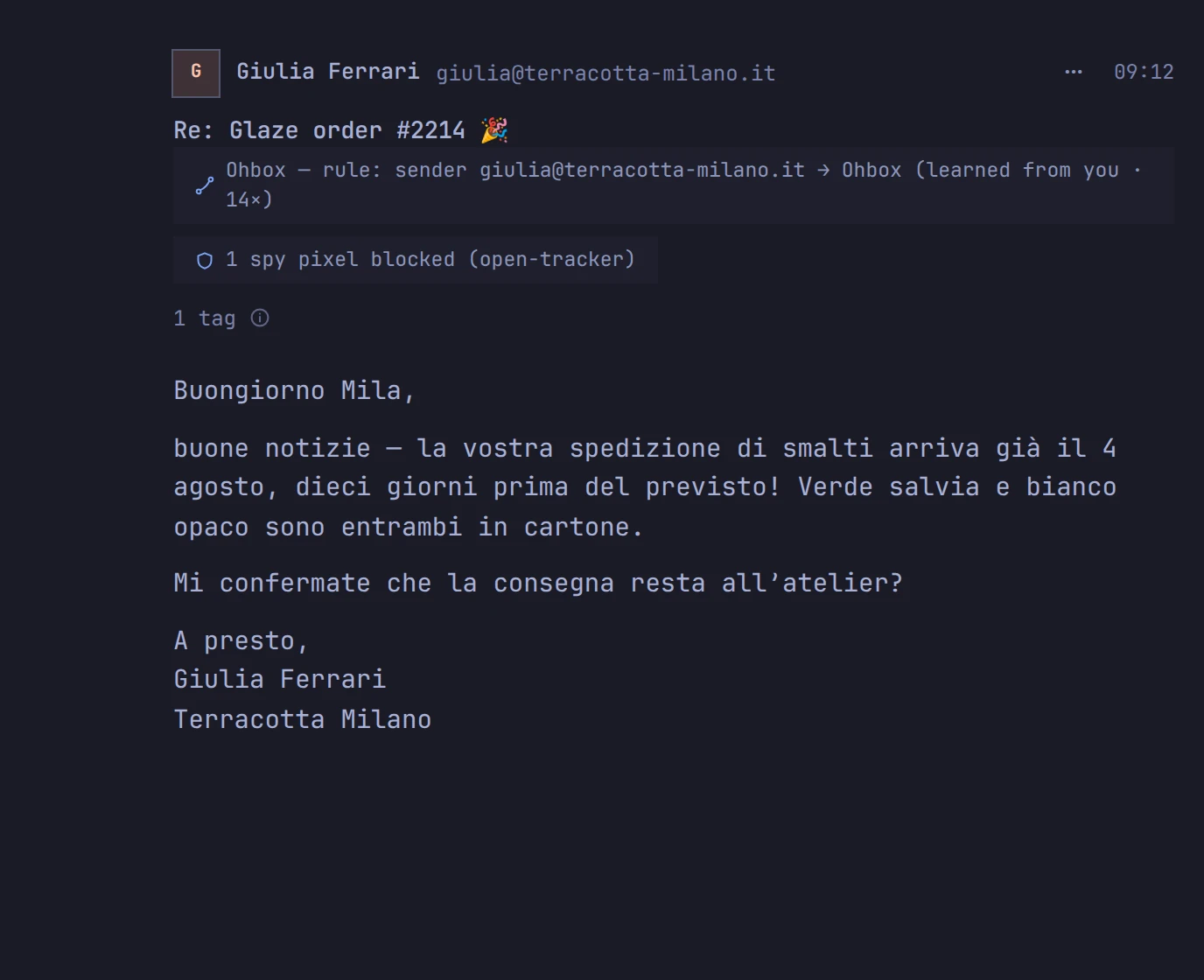
Giulia FerrariRe: Glaze order #2214
Draft, in your voiceCiao Giulia, perfetto — il 4 agosto va benissimo. La consegna resta all’atelier, come sempre. Grazie mille!Sits in the composer as a proposal. You send it, or you rewrite it, or you delete it.
ComposerWrite your reply…Reply — a blank composer, exactly like every other mail app.
CinderlockYour verification codeunchanged
Verification code 481 920You see it in full; the code is stripped before AI reads it — in either state. Structural, not a setting.
PaperbirdWeekly digest · 12 storiesunchanged
NewsFiled by rule: list header, known newsletter. No AI in either state.
Suggestions and drafts — proposed, never performed.
Patterns graduate into rules
Decide the same way three times and ohmail asks to make it a rule. You approve it once — from then on it runs deterministically, with no AI at all.
Codes are sacred
When mail carries a verification code or login link, that code is stripped before anything reaches AI, and the mail is never forwarded and never routed automatically — structurally, with no setting to turn it off. You always see the message in full; only what a model would read is stripped.
Your key, your machine — or ours
On the desktop app your mail stays on your machine, with no ohmail server in the loop — and its AI, if you want one, is your own API key or a local model, set in the app; the bill is yours. On Cloud: a monthly bag of AI credits is included, and mail keeps flowing rules-only when it runs out.
If it speaks IMAP, ohmail organizes it.
Gmail
Microsoft 365 & Outlook.com
iCloud Mail
Yahoo
Fastmail
GMX
Infomaniak
…and any IMAP mailbox, including your own server.
Microsoft 365 and Outlook.com connect over IMAP, the way every other mailbox does. Native Exchange sync over Microsoft Graph — a different protocol, not IMAP — is on the roadmap and not shipped yet; we’ll say so here the day it is.
Your server. Your folders. Organized.
ohmail works on the mailboxes you already have — Metanet, Infomaniak, iCloud, Gmail, Outlook, any IMAP server. It organizes them in place: real folders on your real server, readable by any other client, forever.
Where other mail apps ask you to move in with them, ohmail works where you already live.
Leave anytime — your mailbox stays organized.
your-domain.ch
Ohbox
News
Receipts
ohmail/Screener
ohmail
This is what your IMAP looks like.
ohmail organizes your own mailbox by moving mail between a few plain folders — the ones you can open in any mail app, on the server you already have.
InboxMail from people you've said yes to.
JunkuntouchedYour provider's own. Your spam verdicts file into it, and so do ohmail's confident spam verdicts once you let it act on confident suggestions. “Not junk” moves mail back out.
SentuntouchedYour replies, left where your provider already keeps them.
ohmail/
ScreenerNew senders wait here until you decide where they go.
NewsNewsletters and things you read when you have a minute.
ReceiptsReceipts, confirmations, orders.
ScreenedSenders you keep — but out of the Inbox.
QuarantineJunk-grade mail, set aside.
_metahousekeepingA small bookkeeping folder; some mail apps show it.
None of this lives only inside ohmail. It is all real folders in your own account — so the day you leave, your mail is already filed where it belongs.
Leave anytime.
Your mailbox is the source of truth: the folders are real IMAP folders on your server, and your rules and screened senders are one small message in it — always yours. Changing how you run ohmail is reconnecting a mailbox. Leaving is closing an app.
From Cloud to a server you run
Cancel, connect the same mailbox to your own server, and ohmail finds your settings in it and asks before using them. The folders are already there.
From Cloud to the free desktop app
The same reconnect, on your own machine — no export step, no transfer flow, no account to link. It works the other way round too.
Out of ohmail entirely
Your mail is already filed in folders any mail app reads. The settings message stays in your mailbox in a published format — delete it and nothing else changes.
What travels today: screened senders, rules, notification choices, the away reply, your signature and tag names. Triage piles, Resurface timers and learned patterns stay with the install they were made on.
Your mailbox, or theirs.
We like the apps that rethink mail — the ones that screen senders, the ones that add AI to your inbox. They pushed the craft forward and we admire the work. What we don't like is where the organization ends up: inside someone else's app, staying behind when you go. So this table is about one axis only — whose mailbox it is.
ohmailOther similar products
Open source
ohmailAGPL-3.0 — the apps and the server behind ohmail.app, in one public repository. Only the hosted service's billing machinery is private.See the code
Other similar productsClosed source as a rule; where an app is open, the service that organizes the mail is not.
Your existing mailbox
ohmailStays exactly where it is — ohmail connects over IMAP
Other similar productsEither your mail moves into their service, or only a provider or two qualify
Where the organization lives
ohmailReal IMAP folders on your server, readable by any client
Other similar productsIn their apps and their cloud — not on your server
Your rules & screening decisions
ohmailStored in the mailbox itself, as plain JSON in an open, published format — readable anytime, by anything, and they move with the mailboxRead the format
Other similar productsKept in their service; no export includes them
If you leave
ohmailYour mailbox stays organized, and your rules travel with it — to a server you run, to the free desktop app, or to no ohmail at all
Other similar productsAn export file at best; the organization stays behind
The desktop app
ohmailA real mail client with the engine inside: your mail is on your own disk, so it opens, reads and searches with no network — and the standalone install organizes your mailbox from your machine
Other similar productsA desktop window around their web app — the organizing happens in their cloud, not on your machine
AI
ohmailOptional and gated — AI proposes, you decide; only a pattern you have confirmed often enough runs on its own
Other similar productsBuilt into their cloud — or missing entirely
Compared as of August 2026, from each product's own published documentation.
ohmail's answer to every row is the same answer: it's your mailbox. Several of them, in fact — ohmail organizes two, five, ten IMAP mailboxes at once, drafts replies in your voice, learns your decisions into rules you can read and change, and never asks you to change your address, your provider, or your other mail apps.
Pick what fits you.
These are good products made by people who care about mail. The right model is the one that fits your life, and it may not be ours — that is a fine outcome. We only insist on one thing: the choice should stay yours, and so should the mailbox.
Where your mail lives.
Three ways to run one product. The mailbox is the master in all of them; what differs is whose machine holds the working copy.
Desktopstandalone
Runs on
Your machine. No account, no ohmail server in the loop — macOS, Windows and Linux.
The copy of your mail
On your own disk, so it reads and searches with no network. It never leaves your machine.
AI
Optional: your own key, or a local model.
Costs
Free.
Self-hostedyour server
Runs on
A server you run — the same open server behind ohmail.app, from one compose file.
The copy of your mail
In a database on your box, where it powers search and sync to your devices.
AI
Optional: your own Anthropic API key. Without one, everything else works.
Costs
Free, and mailboxes are unmetered.
Cloudmanaged
Runs on
Our EU servers — the same server, run for you, and awake when your devices are not.
The copy of your mail
On EU servers, encrypted at rest, up to your plan's storage; past it, new mail is shown from your mailbox as a preview. Deleted with your account — from backups within 30 days.
AI
Included in your plan and metered. When the credits run out, mail keeps flowing rules-only.
Costs
From $9 a month, 14 days free.
Cloud is self-hosting, done for you: the same open server, the same organizer, the same mailbox as the master. What changes is whose machine holds the copy — and that we bill for running it.
The fine print for Cloud: it is not end-to-end encrypted. The service reads mail to file and search it, and a small number of people with production database access could technically read it. Never sold, never mined, never used for anything but serving you.
AI on Cloud goes to Anthropic under commercial API terms: your mail is never used to train models, and requests are retained only briefly (currently up to 30 days); there is no zero-retention agreement yet. On every tier, a credential inside a message — a code, a login link, a reset token — is stripped before a request is built, and automatic routing skips that mail entirely. Structural, not a setting.
Fast is a feature.
Search answers as you type — typo-tolerant and scoped, over a local mirror of every mailbox — and the rest of the archive is one keystroke further, from the server. Tags instead of folder gymnastics, one tag reaching across every mailbox at once. On the desktop app your mail is already on your machine, so reading and searching work with the wifi off; in the browser that holds for the tab you have open, not for a cold start with no network.
Local search, typo-tolerant, instant
Tags, not folder trees — across every mailbox
Desktop reads offline; the browser opens instantly
Typos are fine — fuzzy matching, on your own machine.
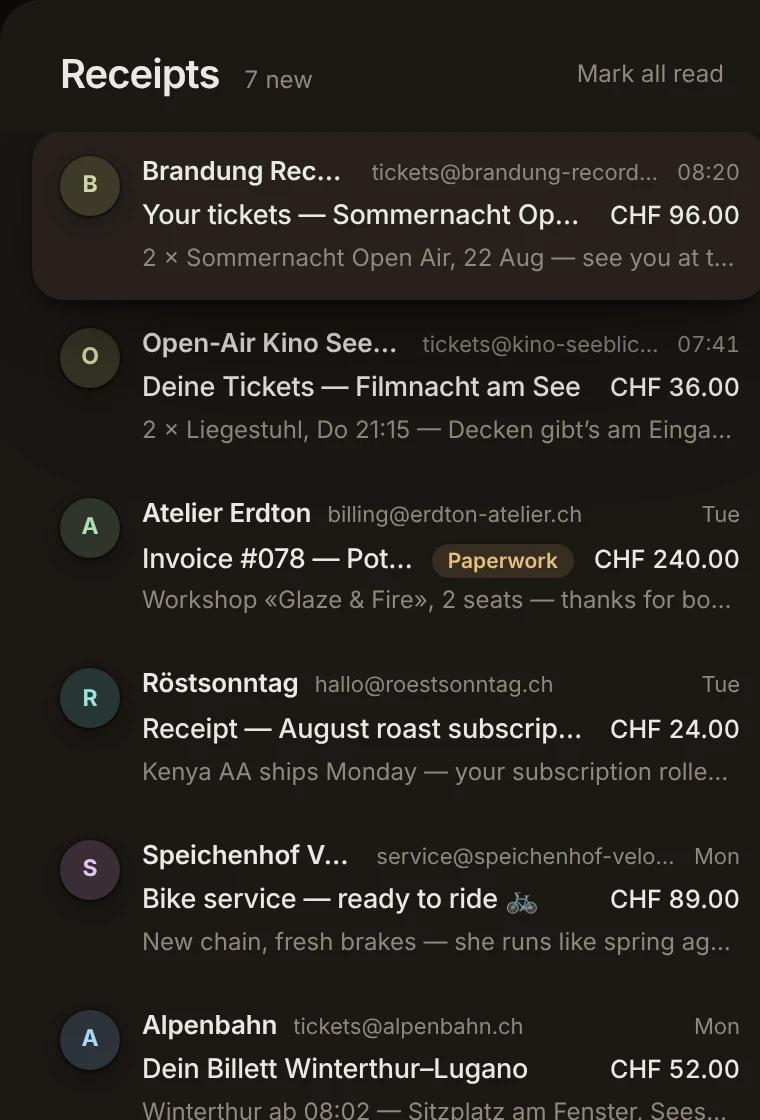
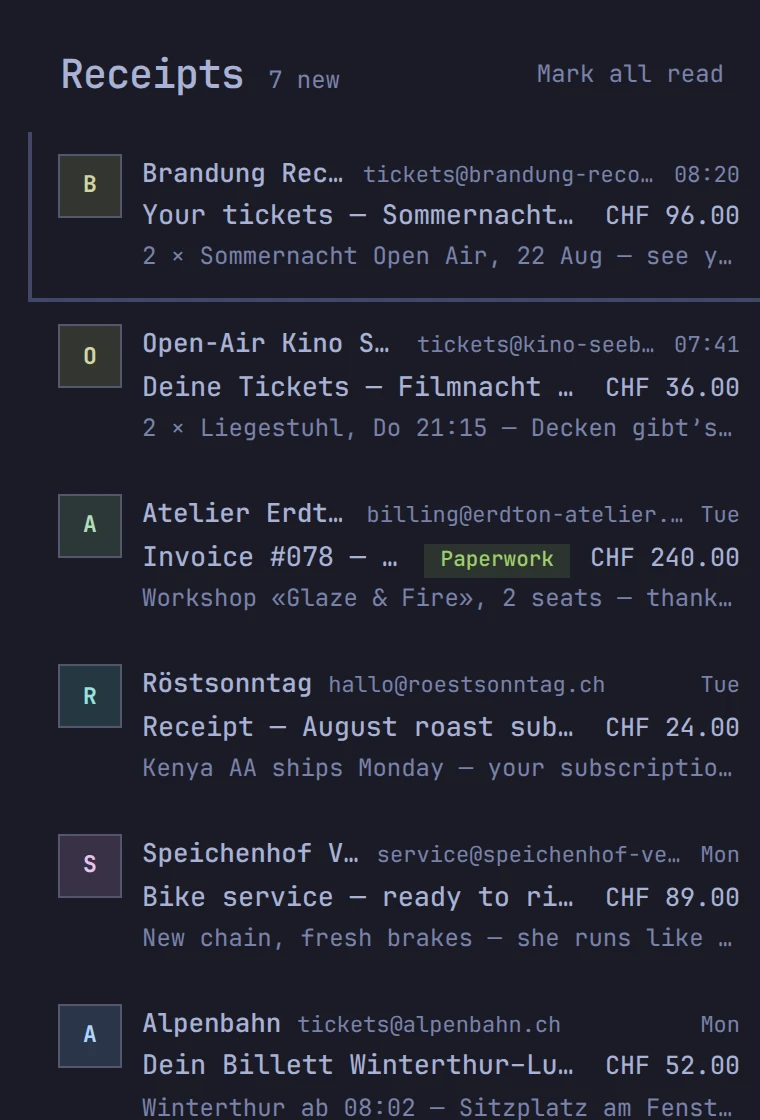
Dark mode that includes the mail.
Most mail arrives designed for a white screen. ohmail adapts the message itself to a dark one — same mail, same pictures, no glare — with the sender's original one click away.
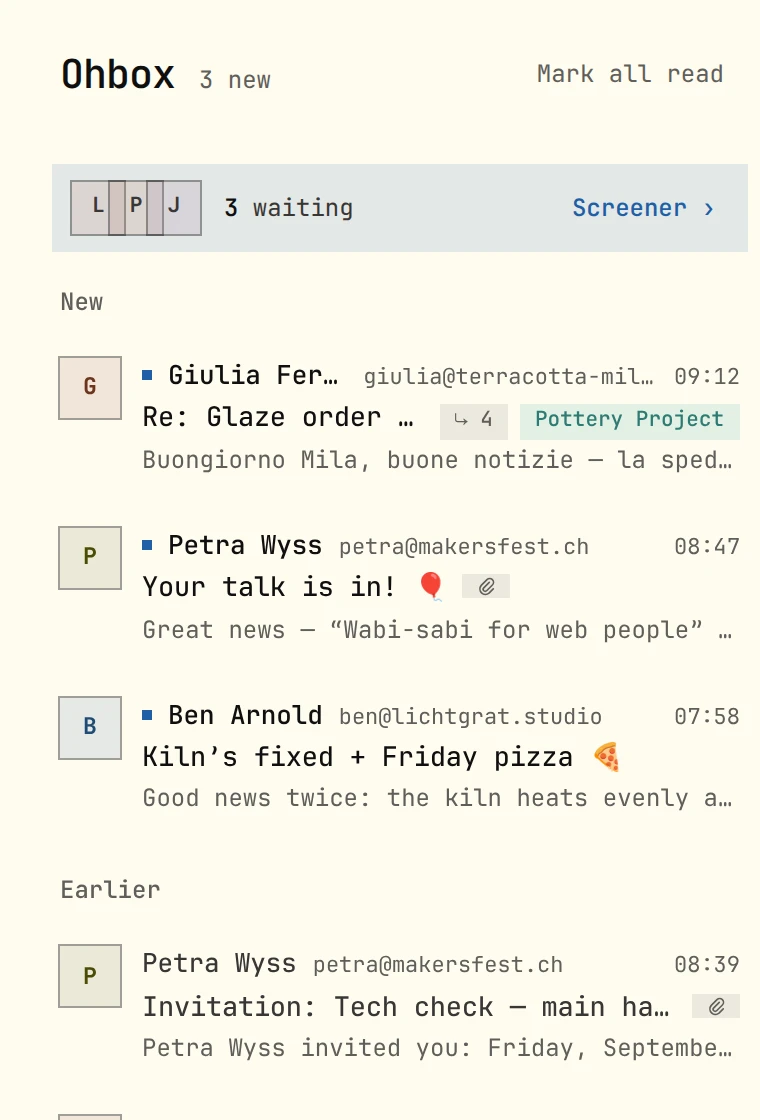
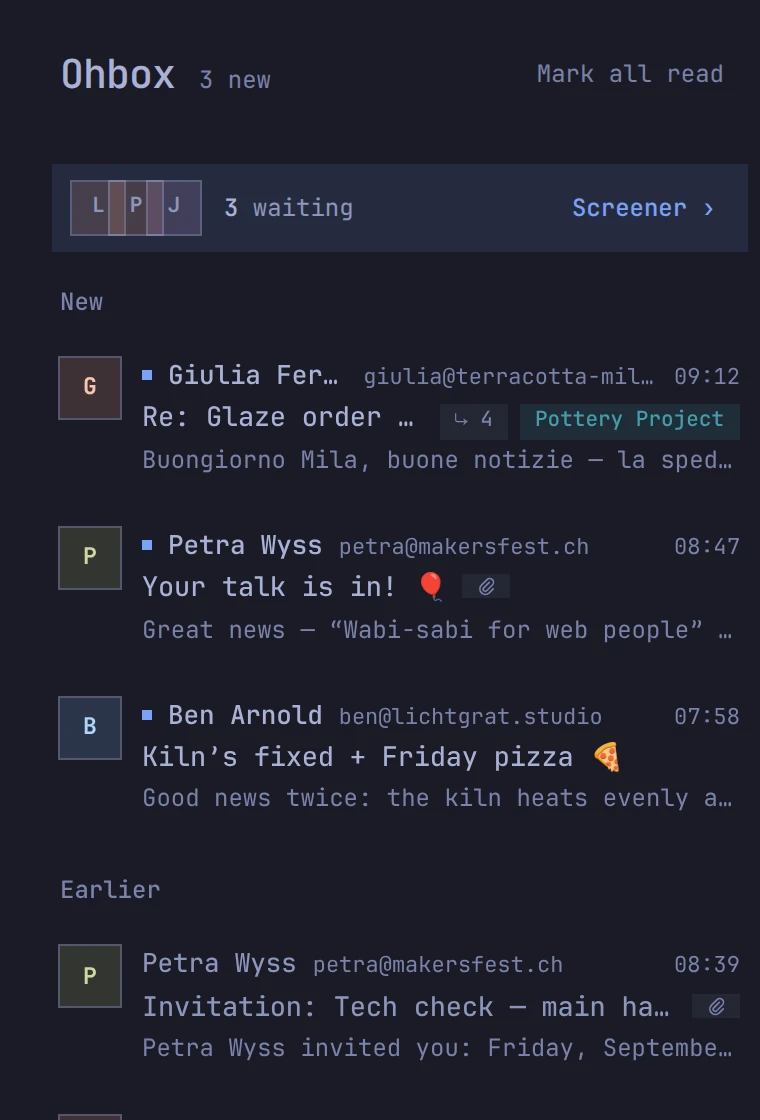
The whole app, light and dark — follow the system or pick one
HTML mail adapted to a dark screen, not just inverted
The sender's original, one click away
And the rest of the day.
The parts you stop noticing, which is the point of them.
Attachments
Open a PDF or an image inside the message. Everything else downloads, and nothing renders itself.
Sending pictures
JPEGs and PNGs are compressed in your browser before they leave it, at a quality you choose — and the camera data goes with the re-encode, location included. Original sends the file as it was, and so does every other format.
Trackers
A spy pixel is blocked by default — if you want senders to see your opens, that is a switch in Settings. One disguised as an ordinary picture loads once, like any picture, before it is blocked. On Cloud and on a self-hosted server, ordinary pictures load through the server's proxy, which hides your address from the sender. The desktop app and the standalone phone app fetch pictures themselves, so the sender sees that device's address.
Later
Send a message back to tomorrow, to next week, or to a date you pick.
Unsubscribe
Screen a sender out or mark them spam, and ohmail also sends the one-click unsubscribe for you — where the list offers one. On by default; a switch in Settings turns it off.
Writing
Reply and forward with Cc and Bcc, from whichever of your mailboxes you choose.
Tags
One tag reaching across every mailbox. Create, rename and delete them in settings.
Folders
Need folders? Keep yours. Switch them on in Settings and they show in the menu, each its own list — real IMAP folders on your server, never a copy. Create, rename and delete them there too. Off until you turn it on, and not yet in the standalone desktop app.
Get ohmail.
One product. Run it yourself for free — as a desktop app, or hosted on your own hardware — or let us run it for you. The code is public, licensed AGPL-3.0, and the hosted service is built from the same repository.
Run it yourself — free
Desktopstandalone
The complete app on your machine: it connects to your own IMAP server and organizes your mailbox locally — no account, no ohmail server in the loop. macOS, Windows and Linux. Running it is already a self-hosted ohmail: the whole organizer, on hardware you own.
One switch in Settings → Devices, and your phone opens your mail through your own computer — over Tailscale, a private tunnel between your own devices, while it is awake. On a machine that stays awake, that is your own ohmail server, around the clock.
ohmail Cloud is the same product with us doing the hosting: the organizer runs on our servers and stays awake, the web app is there when you sign in, and your Android phone gets push. You pay monthly for the running, not for missing features — the options above are not demos.
Your settings live in your mailbox, and move with it.
The senders you've screened, your rules, your notification choices, your away reply and your tag names are stored in the mailbox itself — versioned JSON in a bookkeeping folder of its own. Pick any option above and change your mind later: connect the same mailbox elsewhere, and ohmail finds your settings and asks before using them. Leave ohmail entirely and those decisions are still yours, in your own mailbox, in a format anything can parse.
ohmail/_meta
Subject: ohmail settings for this mailbox
This message stores your ohmail settings for this mailbox: which senders you have screened in, your filing rules, notification choices, away reply and tag names. Keeping them here means they live in YOUR mailbox — they travel with it to any computer or service you connect it from, and they remain yours, readable, even if you stop using ohmail.
Two free, complete ways to run it yourself — and under them, the same server run by us, monthly.
ohmail Desktopstandalone
Freefully yours · forever
A running desktop app is a complete, self-hosted ohmail — and can itself be the host your mobile app pairs with.
A real mail client on macOS, Windows and Linux — the whole organizer runs on your machine, against your own IMAP server. No telemetry, no analytics; a signed update check at launch, and nothing else leaves on its own.
Fully standalone — no account needed
No artificial limits — everything included
Serves your other devices — one switch, while it is awake
Every tier starts with 14 days free — no card, and 500 credits to try. The monthly allowance begins when the subscription does; run out and mail keeps flowing rules-only, with no overage charges.
Email counts are estimates from real use — about 25 KB of stored message text each, which is 2, 5 and 10 GB of room. Attachments stay in your mailbox and never count against your plan.
Take it with you.
One app on your desktop — free, no account, running on your own machine with sync, rules and search all local — and the same client on your phone.
The macOS and Windows builds are not signed by Apple or Microsoft yet, so the first launch asks you to confirm it once. Nothing in the app phones home except one signed update check.
Prefer nothing to install? The web app is live and opens in a browser — it is part of Cloud, along with push and always-on processing.
Nothing destructive. The folders you already have are left exactly as they are; ohmail organizes new mail into real IMAP folders on your server. Everything stays visible to any other mail client, on any device.
Can I leave?
Anytime. Your mail never needs exporting — the originals live on your own server, in ordinary folders ohmail created in place, and nothing we do touches them. Be clear about what Cloud holds, though: a full copy of that mail — bodies, headers, subjects and senders — alongside your rules, tags and notes, because that is what makes search and push work. All of it is deleted with your account.
Where does the AI run?
On Cloud: via the Claude API (Anthropic), under commercial API terms and within your plan's credits — the model runs at Anthropic, not on our servers. On the desktop app: wherever you point it — your own API key, or a local model through Ollama so nothing leaves your machine — set in the app, and off until you configure it. On a server you run: your own Anthropic API key today; a local-model option there is not built yet, and without a key everything else works. Either way, rules with no AI at all run first and are meant to handle most mail — and you can switch the AI off entirely without losing a single feature that files your mail.
What is an AI credit?
The unit your plan is measured in. Actions cost what they cost us: screening a new sender or filing a message is 1 credit, a drafted reply is 15, a workflow proposal 20. Drafting reads a whole thread and writes prose, so it costs more than sorting one message — pricing them the same would only mean charging everybody for the expensive one. When the monthly budget runs out, mail keeps flowing rules-only until the next cycle. There are no overage charges — ever.
Do you read my mail?
Not as a matter of practice, and our admin tools do not display message content — every response the console can produce is checked by a test that writes a marker into every text column of every table and fails if any of it reaches a staff response. The database itself does not yet refuse those columns to staff tooling: the column-restricted role that would enforce this below the application is built and tested but not yet live, and we will not claim it until it is. The honest fine print: Cloud mail is stored unencrypted at the application level and is not end-to-end encrypted, so someone with production database access could technically read it; that access is held by very few people, and the product privacy policy will spell out who and under what conditions when it publishes, before the first real mailbox connects. On Desktop the question doesn't arise — your mail never reaches our servers at all: the app runs as a real mail client against your own server, on macOS, Windows and Linux alike. Separately, nobody else gets to watch you read either: a spy pixel is blocked by default — loading them is a choice you would have to make in Settings — and one disguised as an ordinary picture loads once, like any picture, before it is blocked. On Cloud, ordinary pictures load through our own proxy, so the sender's server sees us and never your address; the desktop app and the standalone phone app fetch pictures themselves, so there the sender sees that device's address.
Which providers work?
Any IMAP mailbox: your own domain at Metanet or Infomaniak, iCloud, Gmail, Outlook, a self-hosted server. If it speaks IMAP, ohmail organizes it in place. Native Exchange sync over Microsoft Graph is on the roadmap; Microsoft 365 connects over IMAP, like every other mailbox here.
Is there a trial for Cloud?
Yes — 14 days, no card. It is the whole product: rules, sync, push and the web app all run, and it comes with 500 credits so the drafts and the Screener's suggestions are yours to try. Spend those and mail keeps flowing rules-only; the monthly allowance begins when a subscription does. Desktop needs no trial at all; it is free.
Desktop or Cloud — what’s the real difference?
The same model, the same vocabulary, and deliberately not the same privacy posture — that is the honest difference. Desktop is free and fully standalone: all processing local, no account, no artificial limits. It is a real mail client on all three platforms — it connects to your own IMAP server and organizes your mailbox on your machine, and because your mail is on your own disk it is there to read with the network down. Its AI, if you want one, is your own API key or a local model through Ollama — set in the app, off until you configure it. Cloud adds the web app, push notifications, always-on processing while your computer sleeps, and AI included from $9 a month — and it holds a copy of your mail on our servers to do that. The same download does either one; which door you take is a choice inside the app. Both are open today.